Pacing & camera
Describe dolly, pan, duration, and cuts to avoid empty wandering shots.
Workflow preview · configurable
Video needs subject + motion intent + pacing: lock character or scene, then add camera, rhythm, and mood so the model reasons across time—not a single frame.
Splitting anchor, reference, and output makes it obvious which layer causes jitter or artifacts.
Anchor + motion reference → sample clip
Like motion control, clips need public HTTPS URLs; point fields to your CDN/R2 in Workflows.
Describe dolly, pan, duration, and cuts to avoid empty wandering shots.
State emotional arc and optional music vibe so motion amplitude matches story.
For performance transfer, hand off to motion control for tighter retargeting.
Generate multiple short takes and pick the smoothest before post.
Hop to other templates to assemble a full pipeline.
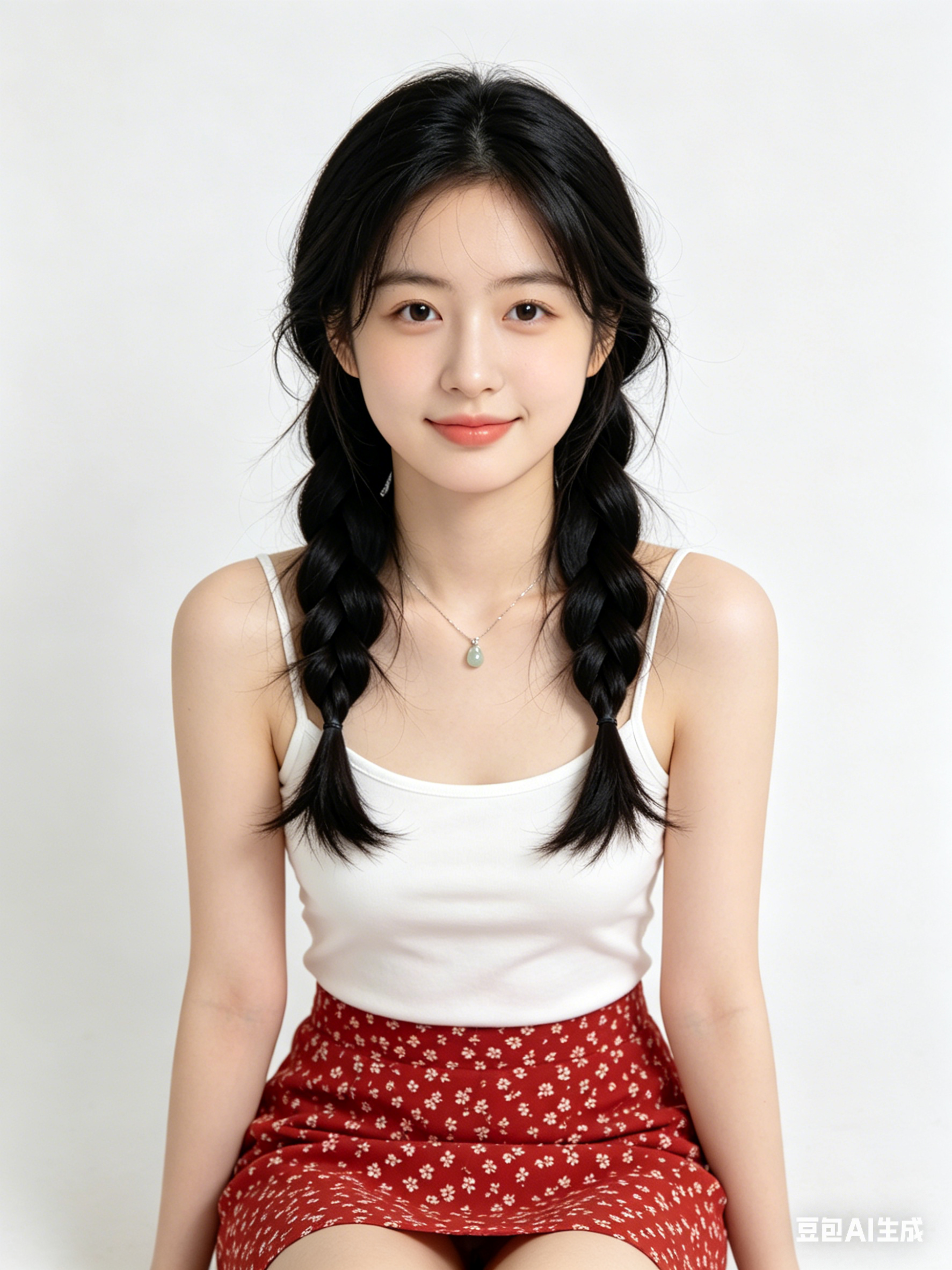
Chân dung điện ảnh phong cách Tạo video bằng AI, viền sáng mềm, chi tiết da cao, cảm giác 85mm, nền sạch
Ảnh hero sản phẩm tối giản theo thẩm mỹ Tạo video bằng AI, ánh sáng studio, bề mặt phản chiếu, chất lượng thương mại cao
Khung cảnh thành phố tương lai bằng Tạo video bằng AI, sương thể tích, điểm nhấn neon, phối cảnh động, siêu chi tiết
Tạo video bằng AI phù hợp cho ideation nhanh, thử phong cách và chuyển ý tưởng thành prompt dùng được ngay.
Giữ cố định chủ thể/góc máy/ánh sáng/phong cách và chỉ thay đổi 1 biến mỗi vòng.
Thường là có, nhưng hãy kiểm tra điều khoản bản quyền và yêu cầu tuân thủ trước khi xuất bản.
Generate in parallel across models, compare results instantly, and export watermark-free videos in one click.