Model compare
Same prompt, different renderers—surface style and texture differences without guesswork.
Workflow preview · configurable
Move from a sentence to shippable stills: spell out subject, lighting, lens, and taste in the prompt, then compare batches and pick variants that match brand and story.
Structured prompts cut random retries; teams can reuse recipes and route through multiple models to lock composition and detail faster.
Reference / intent → sample output
Tiles below are configurable in Admin → Workflows; empty DB fields fall back to site defaults.
Same prompt, different renderers—surface style and texture differences without guesswork.
Preset aspect for social banners, KV portrait, or print spreads—keep safe zones readable.
Layer small keyword edits for lens, light, or material while keeping identity stable.
Use Try to push the winning prompt into Workbench for crop, upscale, or video hops.
Hop to other templates to assemble a full pipeline.
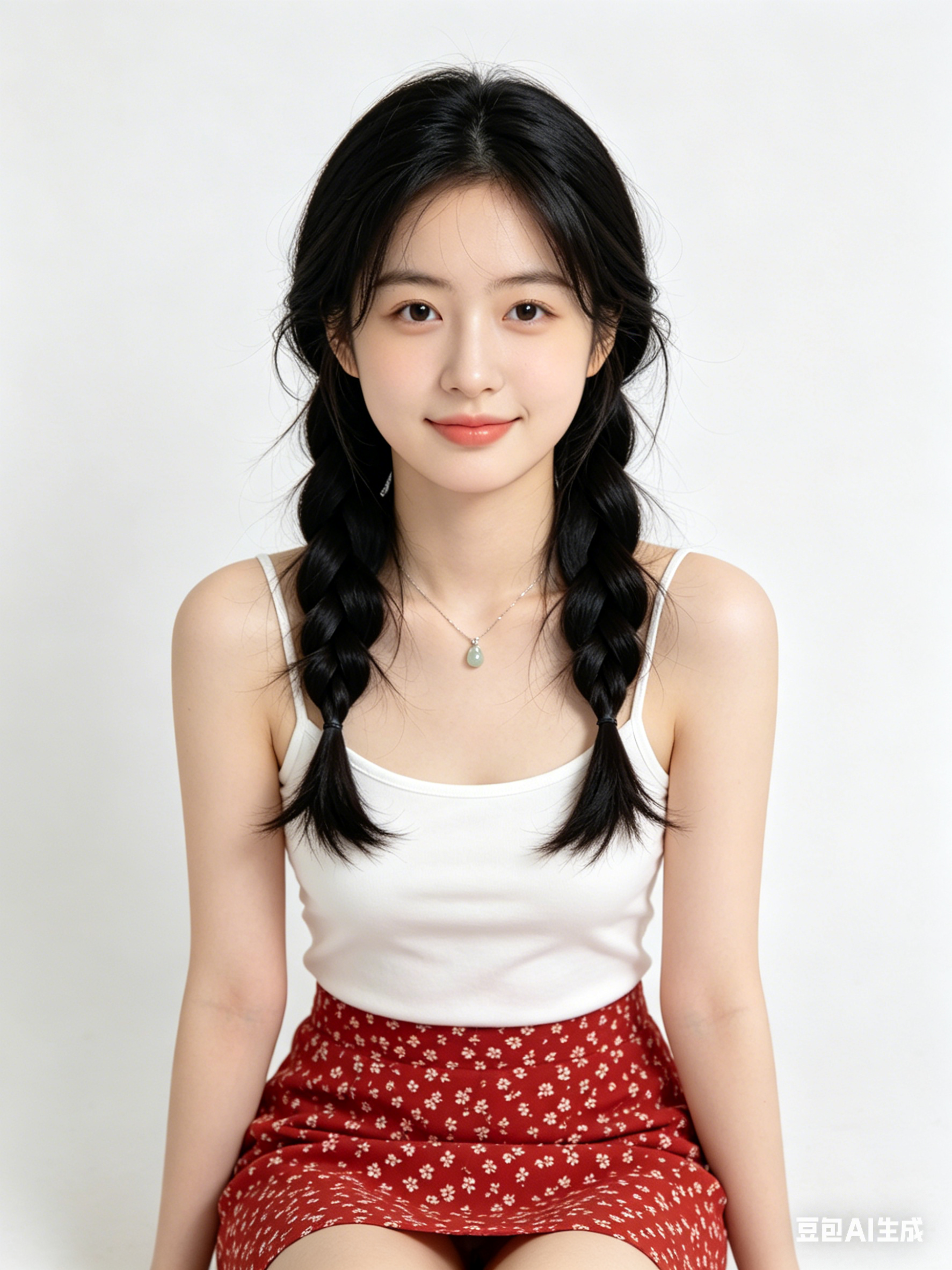
Chân dung điện ảnh phong cách Tạo ảnh bằng AI, viền sáng mềm, chi tiết da cao, cảm giác 85mm, nền sạch
Ảnh hero sản phẩm tối giản theo thẩm mỹ Tạo ảnh bằng AI, ánh sáng studio, bề mặt phản chiếu, chất lượng thương mại cao
Khung cảnh thành phố tương lai bằng Tạo ảnh bằng AI, sương thể tích, điểm nhấn neon, phối cảnh động, siêu chi tiết
Tạo ảnh bằng AI phù hợp cho ideation nhanh, thử phong cách và chuyển ý tưởng thành prompt dùng được ngay.
Giữ cố định chủ thể/góc máy/ánh sáng/phong cách và chỉ thay đổi 1 biến mỗi vòng.
Thường là có, nhưng hãy kiểm tra điều khoản bản quyền và yêu cầu tuân thủ trước khi xuất bản.
Generate in parallel across models, compare results instantly, and export watermark-free images in one click.