Fast prompt iteration for creative exploration
Enhance image resolution and detail while preserving composition and visual fidelity. Upscale helps teams move from idea to production faster with structured prompt design and repeatable generation workflows.
MODEL GUIDE
Upscale
Enhance image resolution and detail while preserving composition and visual fidelity.
Upscale helps teams move from idea to production faster with structured prompt design and repeatable generation workflows.

Upscale
Ready-to-use workflow card for templates and creation.
Flexible style direction and composition control
Reusable outputs for image/video generation workflows
Use Cases
Concept Exploration
Generate multiple visual directions quickly and pick the best style path.
Commercial Assets
Produce more consistent posters and ad visuals with structured prompts.
Series Consistency
Keep subject/camera/lighting stable for coherent image sets or storyboards.
Team Collaboration
Turn prompts into reusable assets for easier collaboration and iteration.
Workflow preview · configurable
What to preserve when upscaling?
Upscaling is more than pixels: diagnose blur from compression vs noise vs focus, then steer toward crisp edges and believable textures.
Why align intent first?
Print, OOH, and mobile tolerate grain differently—crop and safe-area first to avoid rework.
Low-res asset → enhanced sample
Source asset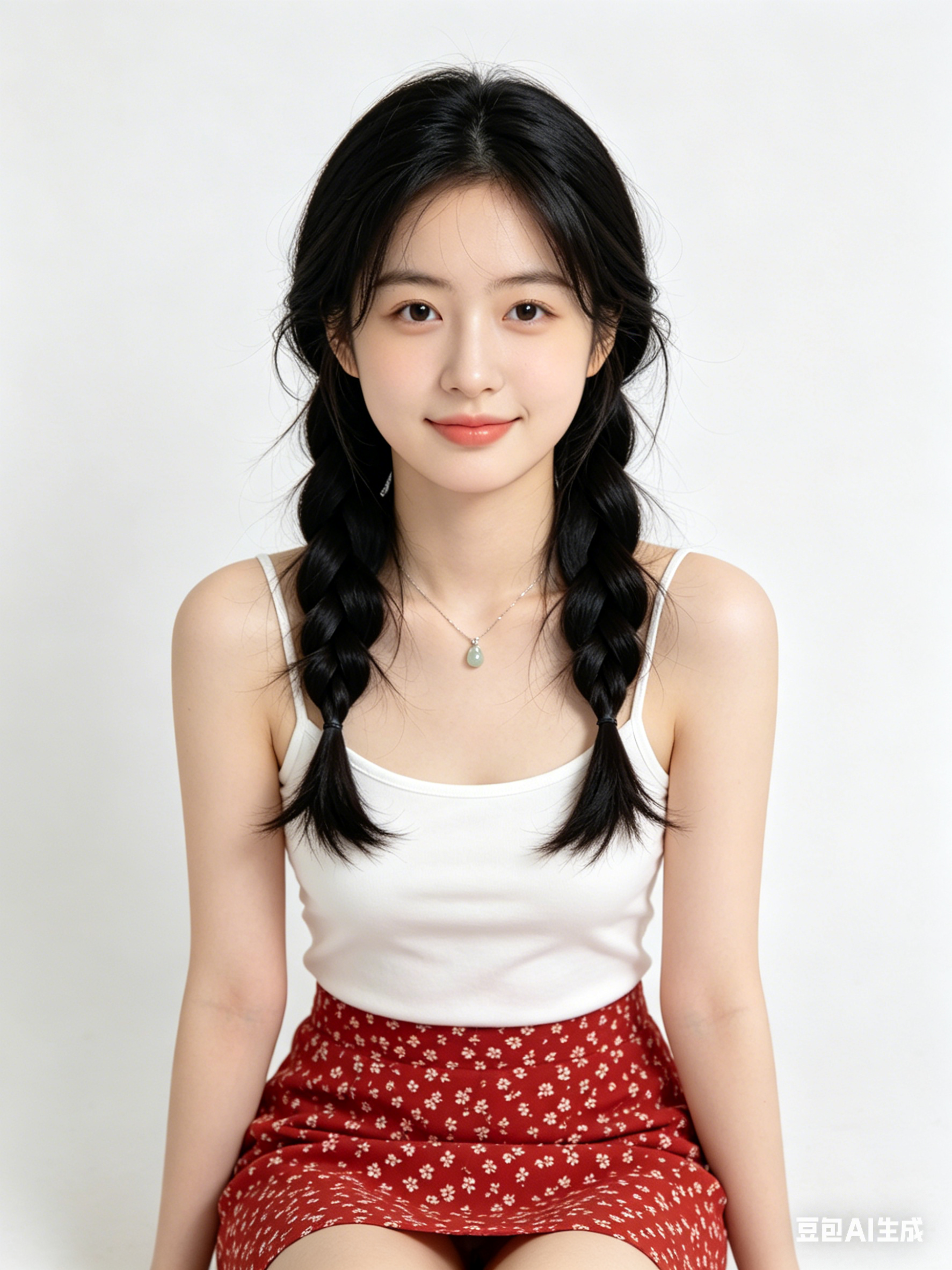
Optional step / in-between
Shows a dashed frame when unset; paste an image or video URL to display it inline.
Upscaled demo
Use three slots for before / optional intermediate / after; empty middle shows a dashed placeholder.
Edges & detail
Call out hair, fabric, and metal specular to avoid waxy blobs.
Noise-aware
Night shots and scans need noise control before supersampling.
Regional passes
Treat faces vs backgrounds separately for skin fidelity vs atmosphere.
Pairs with generation
Draft in text-to-image, then upscale to campaign sizes—common for e-commerce and OOH.
More AI tools
Hop to other templates to assemble a full pipeline.
Recommended Workflow
- 1Start with a clear subject + scene + style prompt
- 2Generate first drafts and compare composition variants
- 3Refine keywords for camera, lighting, and details
- 4Export the best prompt into Create Workspace for production
Prompt Starters
A cinematic Upscale style portrait, soft rim light, high detail skin texture, 85mm lens look, clean background
Minimal product hero image with Upscale aesthetics, studio lighting, reflective surface, premium commercial quality
Futuristic city scene generated with Upscale, volumetric fog, neon accents, dynamic perspective, ultra detailed
Frequently Asked Questions
What is Upscale best for?
Upscale is ideal for fast ideation, visual style exploration, and turning initial concepts into production-ready prompt drafts.
How to get consistent outputs with Upscale?
Keep subject, camera framing, lighting, and style keywords stable across iterations, then only adjust one variable at a time.
Can I use Upscale results for commercial projects?
Yes, in most cases. Please verify model/provider license terms and your project compliance requirements before publishing.