Pacing & camera
Describe dolly, pan, duration, and cuts to avoid empty wandering shots.
Workflow preview · configurable
Video needs subject + motion intent + pacing: lock character or scene, then add camera, rhythm, and mood so the model reasons across time—not a single frame.
Splitting anchor, reference, and output makes it obvious which layer causes jitter or artifacts.
Anchor + motion reference → sample clip
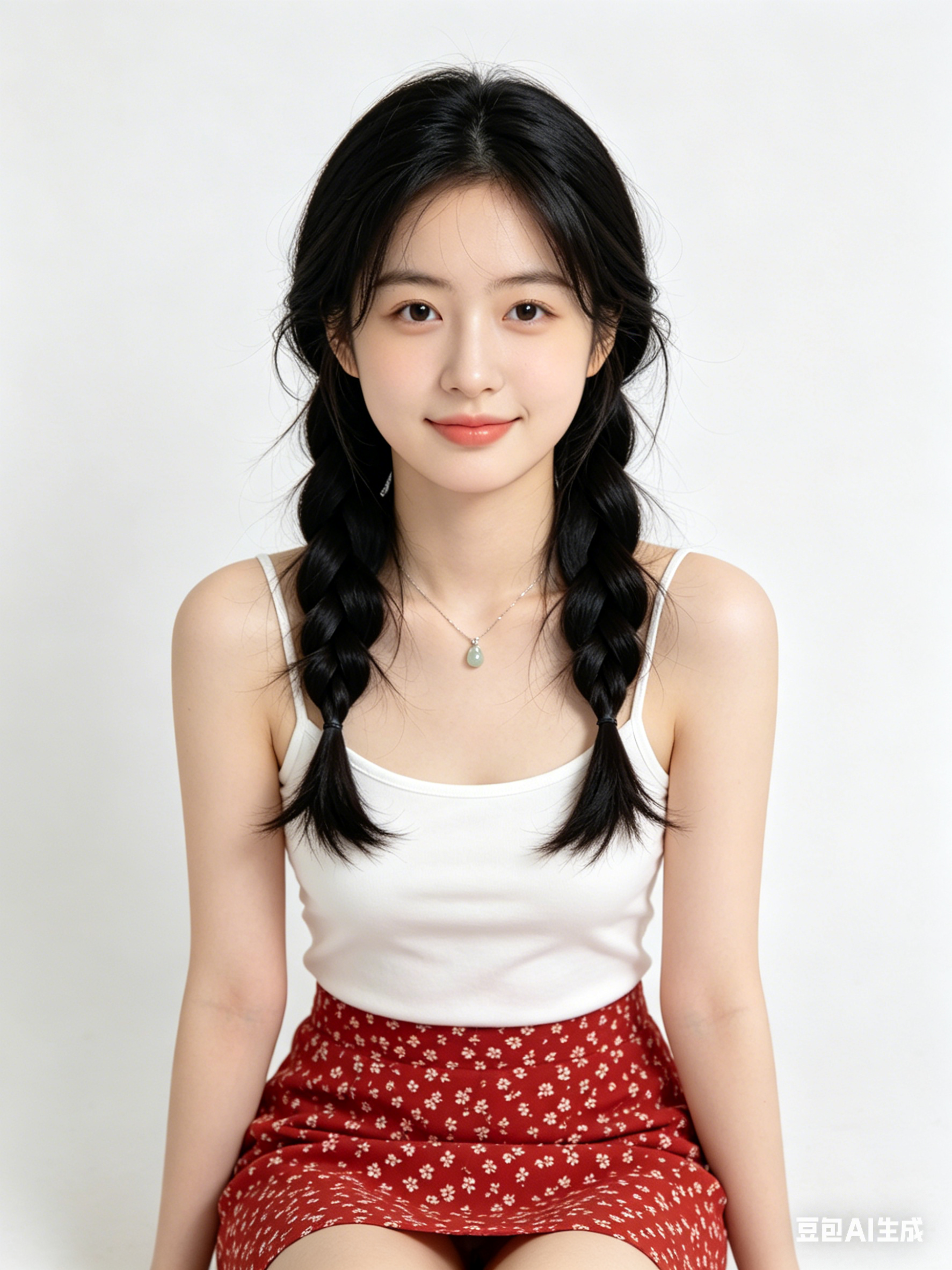
Like motion control, clips need public HTTPS URLs; point fields to your CDN/R2 in Workflows.
Describe dolly, pan, duration, and cuts to avoid empty wandering shots.
State emotional arc and optional music vibe so motion amplitude matches story.
For performance transfer, hand off to motion control for tighter retargeting.
Generate multiple short takes and pick the smoothest before post.
Hop to other templates to assemble a full pipeline.
A cinematic Generate Video style portrait, soft rim light, high detail skin texture, 85mm lens look, clean background
Minimal product hero image with Generate Video aesthetics, studio lighting, reflective surface, premium commercial quality
Futuristic city scene generated with Generate Video, volumetric fog, neon accents, dynamic perspective, ultra detailed
Generate Video is ideal for fast ideation, visual style exploration, and turning initial concepts into production-ready prompt drafts.
Keep subject, camera framing, lighting, and style keywords stable across iterations, then only adjust one variable at a time.
Yes, in most cases. Please verify model/provider license terms and your project compliance requirements before publishing.
Generate in parallel across models, compare results instantly, and export watermark-free videos in one click.