Model compare
Same prompt, different renderers—surface style and texture differences without guesswork.
Workflow preview · configurable
Move from a sentence to shippable stills: spell out subject, lighting, lens, and taste in the prompt, then compare batches and pick variants that match brand and story.
Structured prompts cut random retries; teams can reuse recipes and route through multiple models to lock composition and detail faster.
Reference / intent → sample output
Tiles below are configurable in Admin → Workflows; empty DB fields fall back to site defaults.
Same prompt, different renderers—surface style and texture differences without guesswork.
Preset aspect for social banners, KV portrait, or print spreads—keep safe zones readable.
Layer small keyword edits for lens, light, or material while keeping identity stable.
Use Try to push the winning prompt into Workbench for crop, upscale, or video hops.
Hop to other templates to assemble a full pipeline.
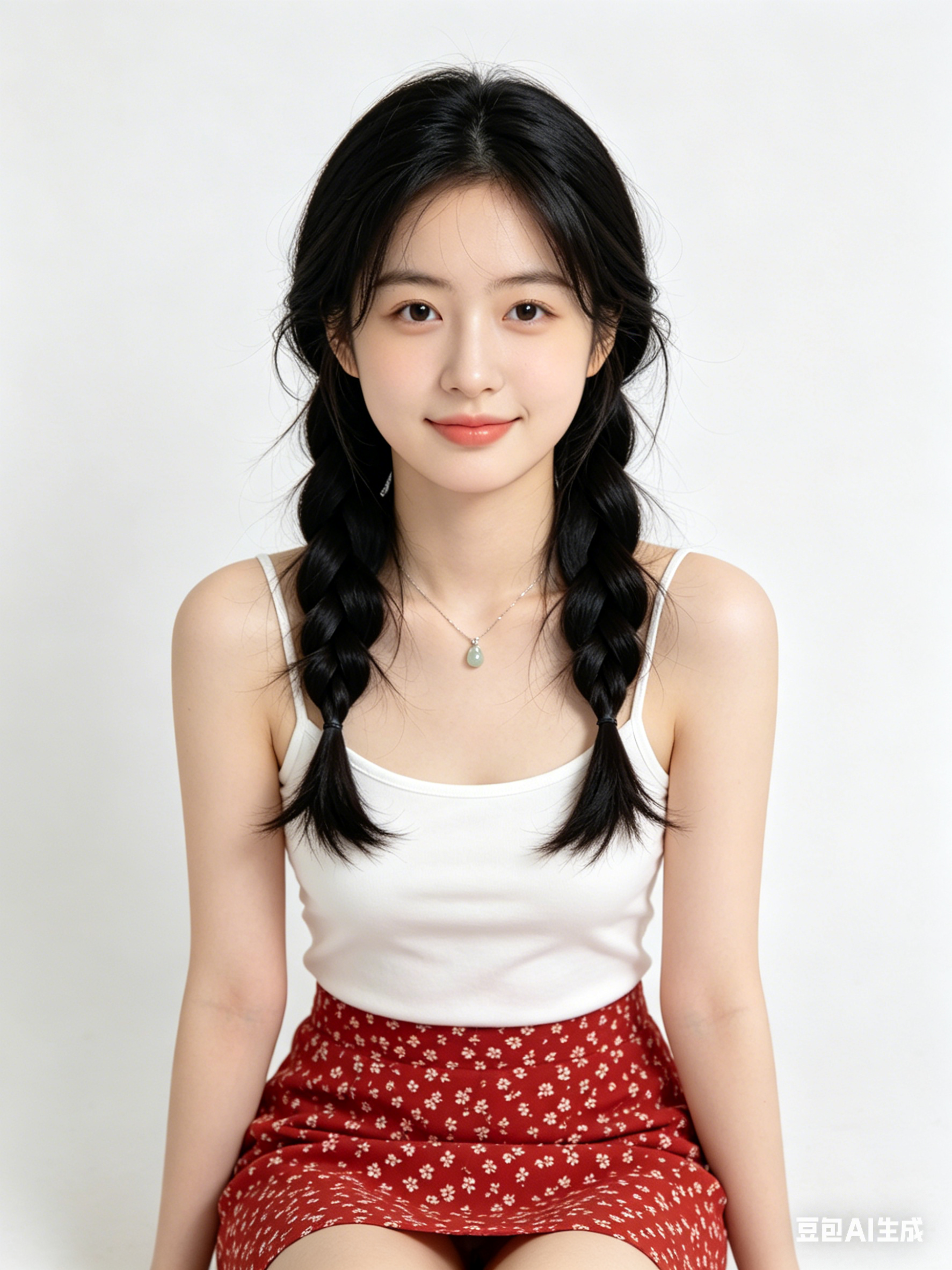
A cinematic Generate AI Image style portrait, soft rim light, high detail skin texture, 85mm lens look, clean background
Minimal product hero image with Generate AI Image aesthetics, studio lighting, reflective surface, premium commercial quality
Futuristic city scene generated with Generate AI Image, volumetric fog, neon accents, dynamic perspective, ultra detailed
Generate AI Image is ideal for fast ideation, visual style exploration, and turning initial concepts into production-ready prompt drafts.
Keep subject, camera framing, lighting, and style keywords stable across iterations, then only adjust one variable at a time.
Yes, in most cases. Please verify model/provider license terms and your project compliance requirements before publishing.
Generate in parallel across models, compare results instantly, and export watermark-free images in one click.