Pacing & camera
Describe dolly, pan, duration, and cuts to avoid empty wandering shots.
Workflow preview · configurable
Video needs subject + motion intent + pacing: lock character or scene, then add camera, rhythm, and mood so the model reasons across time—not a single frame.
Splitting anchor, reference, and output makes it obvious which layer causes jitter or artifacts.
Anchor + motion reference → sample clip
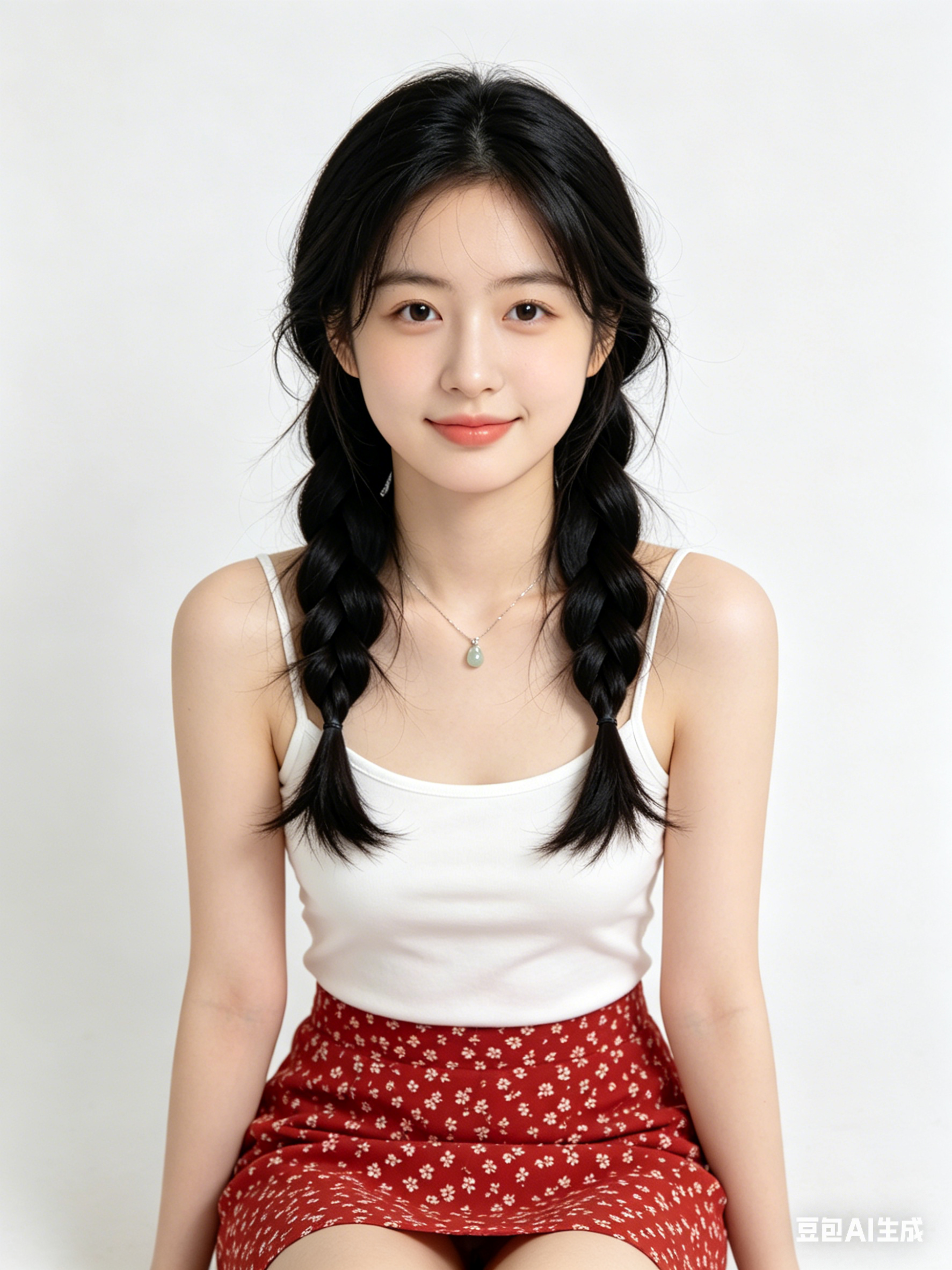
Like motion control, clips need public HTTPS URLs; point fields to your CDN/R2 in Workflows.
Describe dolly, pan, duration, and cuts to avoid empty wandering shots.
State emotional arc and optional music vibe so motion amplitude matches story.
For performance transfer, hand off to motion control for tighter retargeting.
Generate multiple short takes and pick the smoothest before post.
Hop to other templates to assemble a full pipeline.
AI動画生成 スタイルのシネマティック肖像、柔らかなリムライト、高精細な肌質感、85mmレンズ風、クリーン背景
AI動画生成 テイストのミニマル商品キービジュアル、スタジオ照明、反射面、プレミアム商用品質
AI動画生成 で生成する未来都市シーン、ボリューメトリックフォグ、ネオンアクセント、ダイナミック遠近、超高精細
AI動画生成 は高速なアイデア探索、スタイル検証、実運用プロンプト化に向いています。
被写体・画角・光・スタイル語を固定し、1回に1変数だけ変更します。
多くの場合可能ですが、公開前に利用規約とライセンス条件を確認してください。
Generate in parallel across models, compare results instantly, and export watermark-free videos in one click.