Model compare
Same prompt, different renderers—surface style and texture differences without guesswork.
Workflow preview · configurable
Move from a sentence to shippable stills: spell out subject, lighting, lens, and taste in the prompt, then compare batches and pick variants that match brand and story.
Structured prompts cut random retries; teams can reuse recipes and route through multiple models to lock composition and detail faster.
Reference / intent → sample output
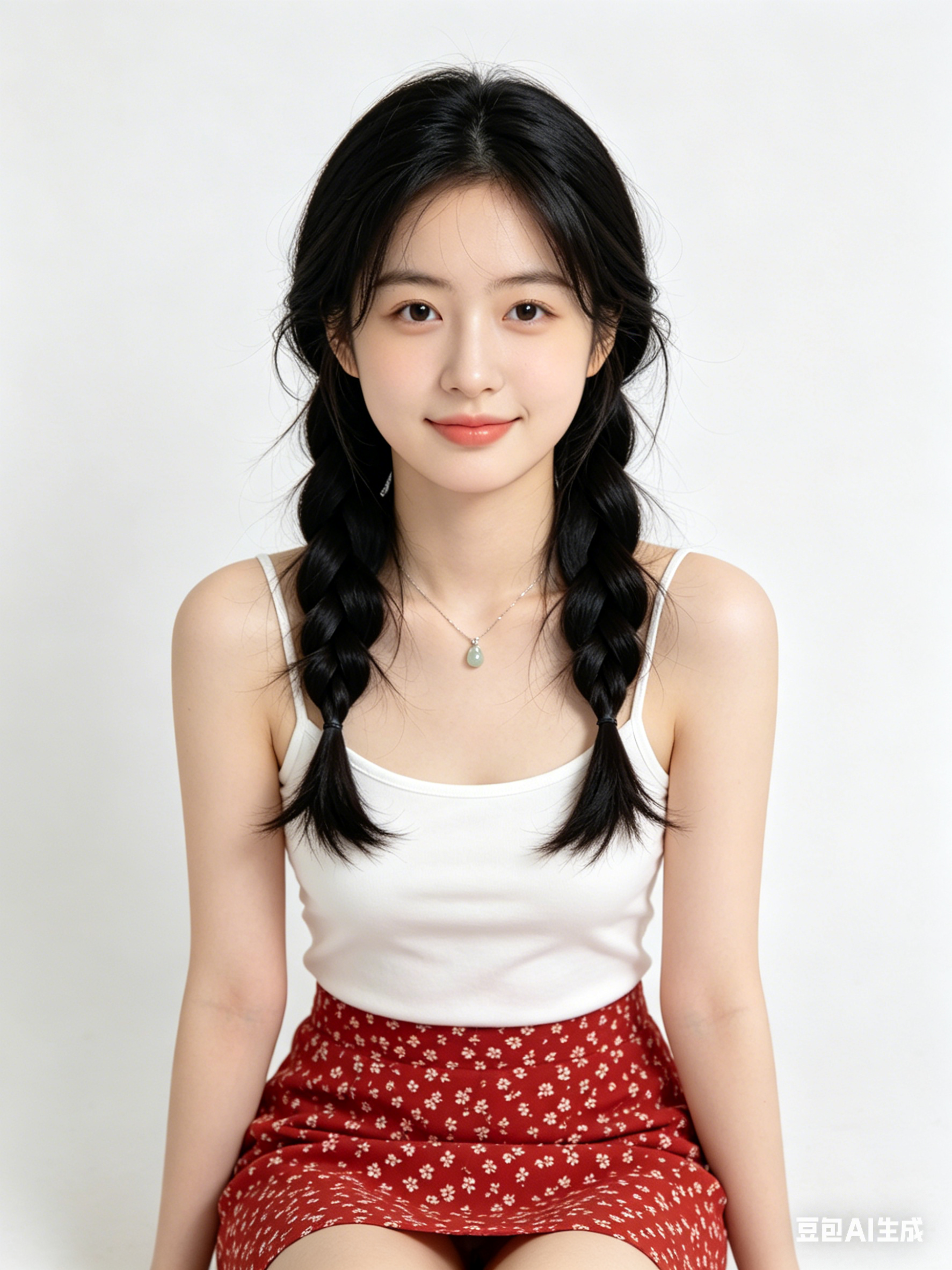
Tiles below are configurable in Admin → Workflows; empty DB fields fall back to site defaults.
Same prompt, different renderers—surface style and texture differences without guesswork.
Preset aspect for social banners, KV portrait, or print spreads—keep safe zones readable.
Layer small keyword edits for lens, light, or material while keeping identity stable.
Use Try to push the winning prompt into Workbench for crop, upscale, or video hops.
Hop to other templates to assemble a full pipeline.
AI画像生成 スタイルのシネマティック肖像、柔らかなリムライト、高精細な肌質感、85mmレンズ風、クリーン背景
AI画像生成 テイストのミニマル商品キービジュアル、スタジオ照明、反射面、プレミアム商用品質
AI画像生成 で生成する未来都市シーン、ボリューメトリックフォグ、ネオンアクセント、ダイナミック遠近、超高精細
AI画像生成 は高速なアイデア探索、スタイル検証、実運用プロンプト化に向いています。
被写体・画角・光・スタイル語を固定し、1回に1変数だけ変更します。
多くの場合可能ですが、公開前に利用規約とライセンス条件を確認してください。
Generate in parallel across models, compare results instantly, and export watermark-free images in one click.