Pacing & camera
Describe dolly, pan, duration, and cuts to avoid empty wandering shots.
Workflow preview · configurable
Video needs subject + motion intent + pacing: lock character or scene, then add camera, rhythm, and mood so the model reasons across time—not a single frame.
Splitting anchor, reference, and output makes it obvious which layer causes jitter or artifacts.
Anchor + motion reference → sample clip
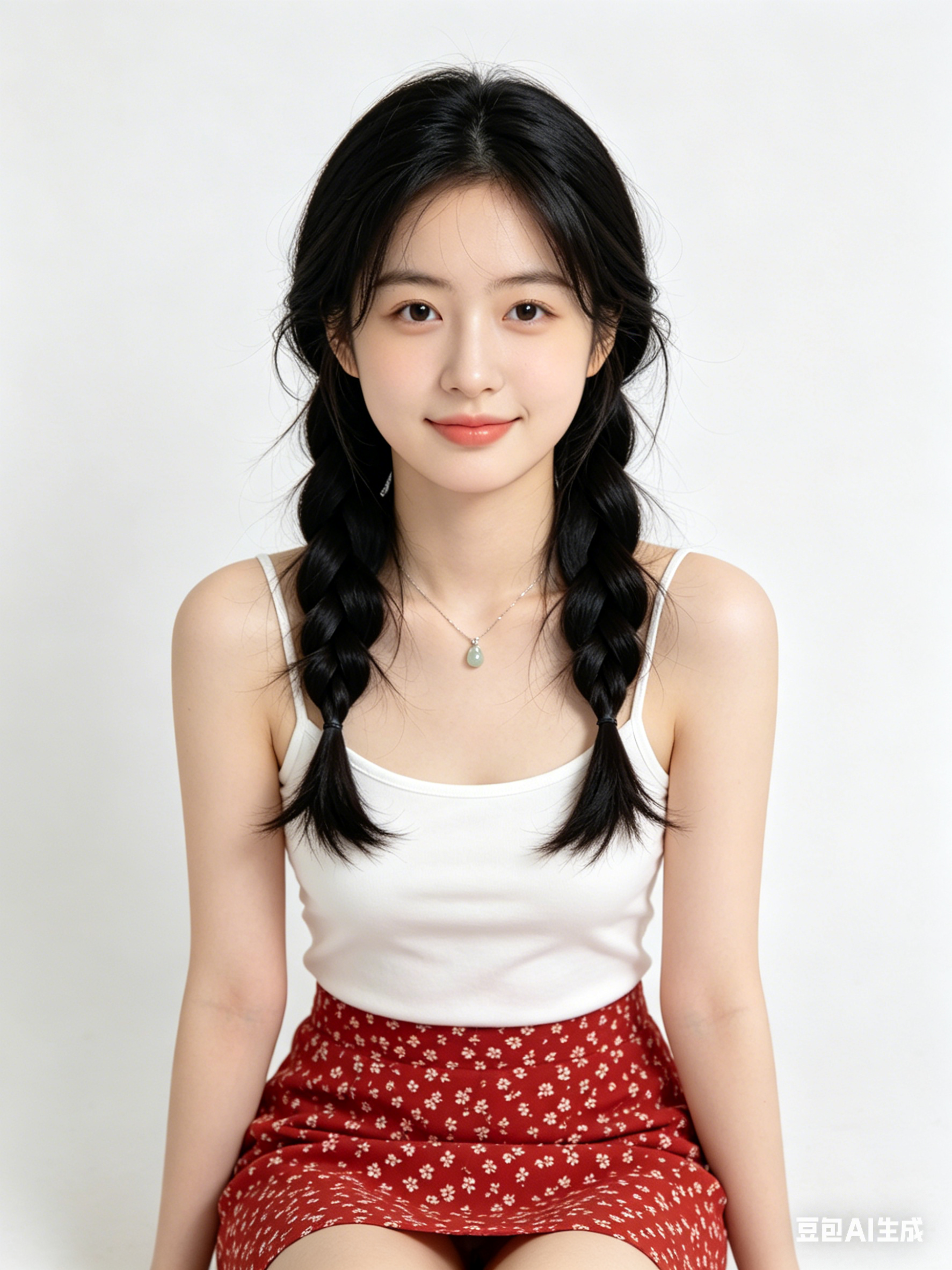
Like motion control, clips need public HTTPS URLs; point fields to your CDN/R2 in Workflows.
Describe dolly, pan, duration, and cuts to avoid empty wandering shots.
State emotional arc and optional music vibe so motion amplitude matches story.
For performance transfer, hand off to motion control for tighter retargeting.
Generate multiple short takes and pick the smoothest before post.
Hop to other templates to assemble a full pipeline.
Retrato cinematográfico estilo Generar vídeo con IA, luz de contorno suave, piel detallada, look 85mm, fondo limpio
Hero de producto minimalista con estética Generar vídeo con IA, iluminación de estudio, superficie reflectante, calidad premium
Escena urbana futurista generada con Generar vídeo con IA, niebla volumétrica, acentos neón, perspectiva dinámica, ultra detallada
Generar vídeo con IA es ideal para ideación rápida, exploración de estilo y convertir ideas en prompts listos para producción.
Mantén sujeto, encuadre, luz y estilo estables, y cambia solo una variable por vez.
En la mayoría de casos sí; verifica licencias del modelo/proveedor antes de publicar.
Generate in parallel across models, compare results instantly, and export watermark-free videos in one click.