Model compare
Same prompt, different renderers—surface style and texture differences without guesswork.
Workflow preview · configurable
Move from a sentence to shippable stills: spell out subject, lighting, lens, and taste in the prompt, then compare batches and pick variants that match brand and story.
Structured prompts cut random retries; teams can reuse recipes and route through multiple models to lock composition and detail faster.
Reference / intent → sample output
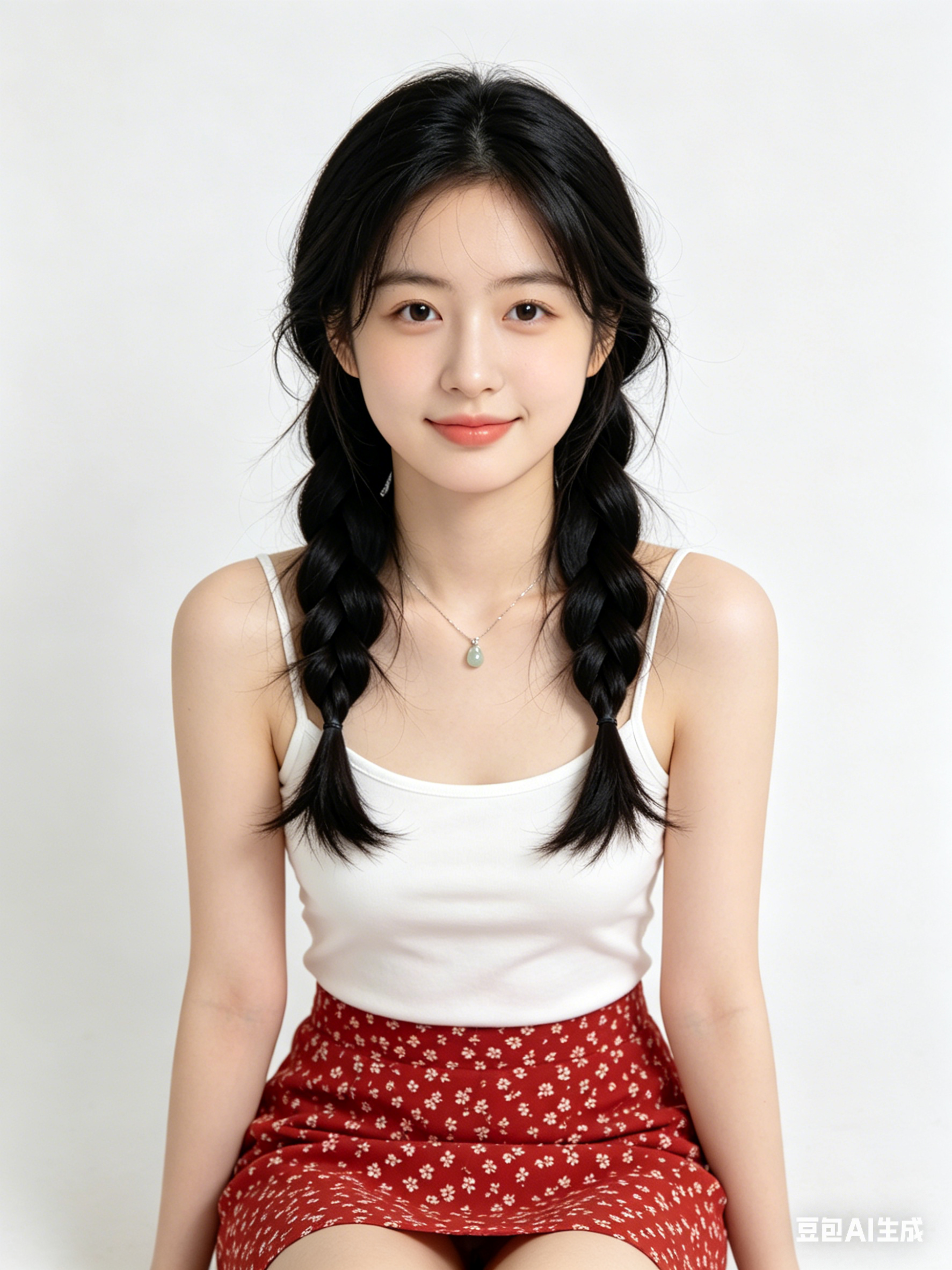
Tiles below are configurable in Admin → Workflows; empty DB fields fall back to site defaults.
Same prompt, different renderers—surface style and texture differences without guesswork.
Preset aspect for social banners, KV portrait, or print spreads—keep safe zones readable.
Layer small keyword edits for lens, light, or material while keeping identity stable.
Use Try to push the winning prompt into Workbench for crop, upscale, or video hops.
Hop to other templates to assemble a full pipeline.
Retrato cinematográfico estilo Generar imagen con IA, luz de contorno suave, piel detallada, look 85mm, fondo limpio
Hero de producto minimalista con estética Generar imagen con IA, iluminación de estudio, superficie reflectante, calidad premium
Escena urbana futurista generada con Generar imagen con IA, niebla volumétrica, acentos neón, perspectiva dinámica, ultra detallada
Generar imagen con IA es ideal para ideación rápida, exploración de estilo y convertir ideas en prompts listos para producción.
Mantén sujeto, encuadre, luz y estilo estables, y cambia solo una variable por vez.
En la mayoría de casos sí; verifica licencias del modelo/proveedor antes de publicar.
Generate in parallel across models, compare results instantly, and export watermark-free images in one click.