Pacing & camera
Describe dolly, pan, duration, and cuts to avoid empty wandering shots.
Workflow preview · configurable
Video needs subject + motion intent + pacing: lock character or scene, then add camera, rhythm, and mood so the model reasons across time—not a single frame.
Splitting anchor, reference, and output makes it obvious which layer causes jitter or artifacts.
Anchor + motion reference → sample clip
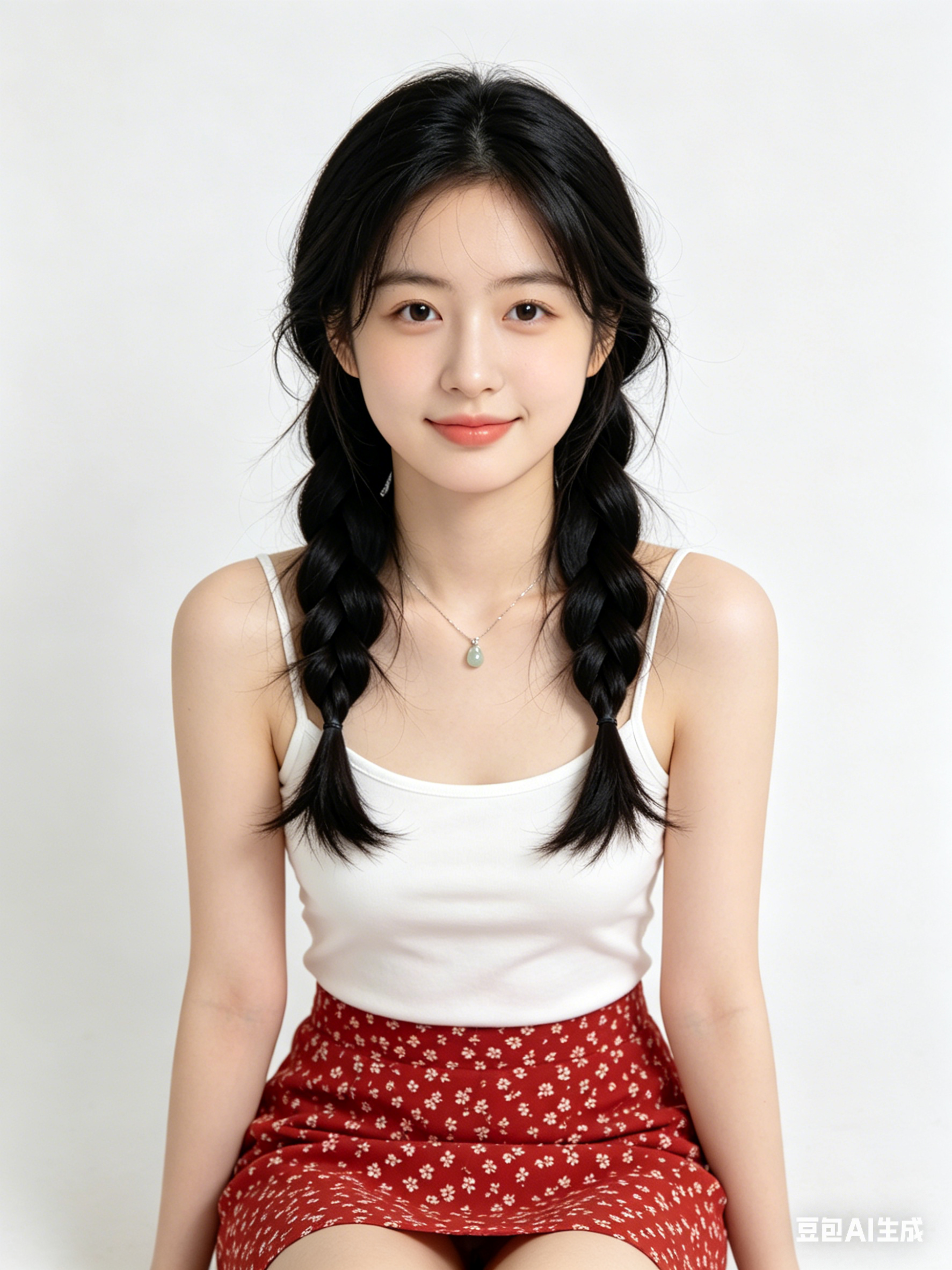
Like motion control, clips need public HTTPS URLs; point fields to your CDN/R2 in Workflows.
Describe dolly, pan, duration, and cuts to avoid empty wandering shots.
State emotional arc and optional music vibe so motion amplitude matches story.
For performance transfer, hand off to motion control for tighter retargeting.
Generate multiple short takes and pick the smoothest before post.
Hop to other templates to assemble a full pipeline.
AI 영상 생성 스타일의 시네마틱 인물, 부드러운 림라이트, 고해상도 피부 디테일, 85mm 렌즈 느낌, 깔끔한 배경
AI 영상 생성 감성의 미니멀 제품 키비주얼, 스튜디오 조명, 반사 테이블, 프리미엄 상업 퀄리티
AI 영상 생성 로 생성한 미래 도시 장면, 볼류메트릭 포그, 네온 포인트, 다이내믹 원근, 초고디테일
AI 영상 생성 는 빠른 아이데이션, 스타일 검증, 실사용 프롬프트 정리에 적합합니다.
주제/구도/조명/스타일 키워드를 고정하고 한 번에 변수 하나만 조정하세요.
대부분 가능하지만 배포 전 모델/제공사 라이선스와 컴플라이언스를 확인하세요.
Generate in parallel across models, compare results instantly, and export watermark-free videos in one click.