Model compare
Same prompt, different renderers—surface style and texture differences without guesswork.
Workflow preview · configurable
Move from a sentence to shippable stills: spell out subject, lighting, lens, and taste in the prompt, then compare batches and pick variants that match brand and story.
Structured prompts cut random retries; teams can reuse recipes and route through multiple models to lock composition and detail faster.
Reference / intent → sample output
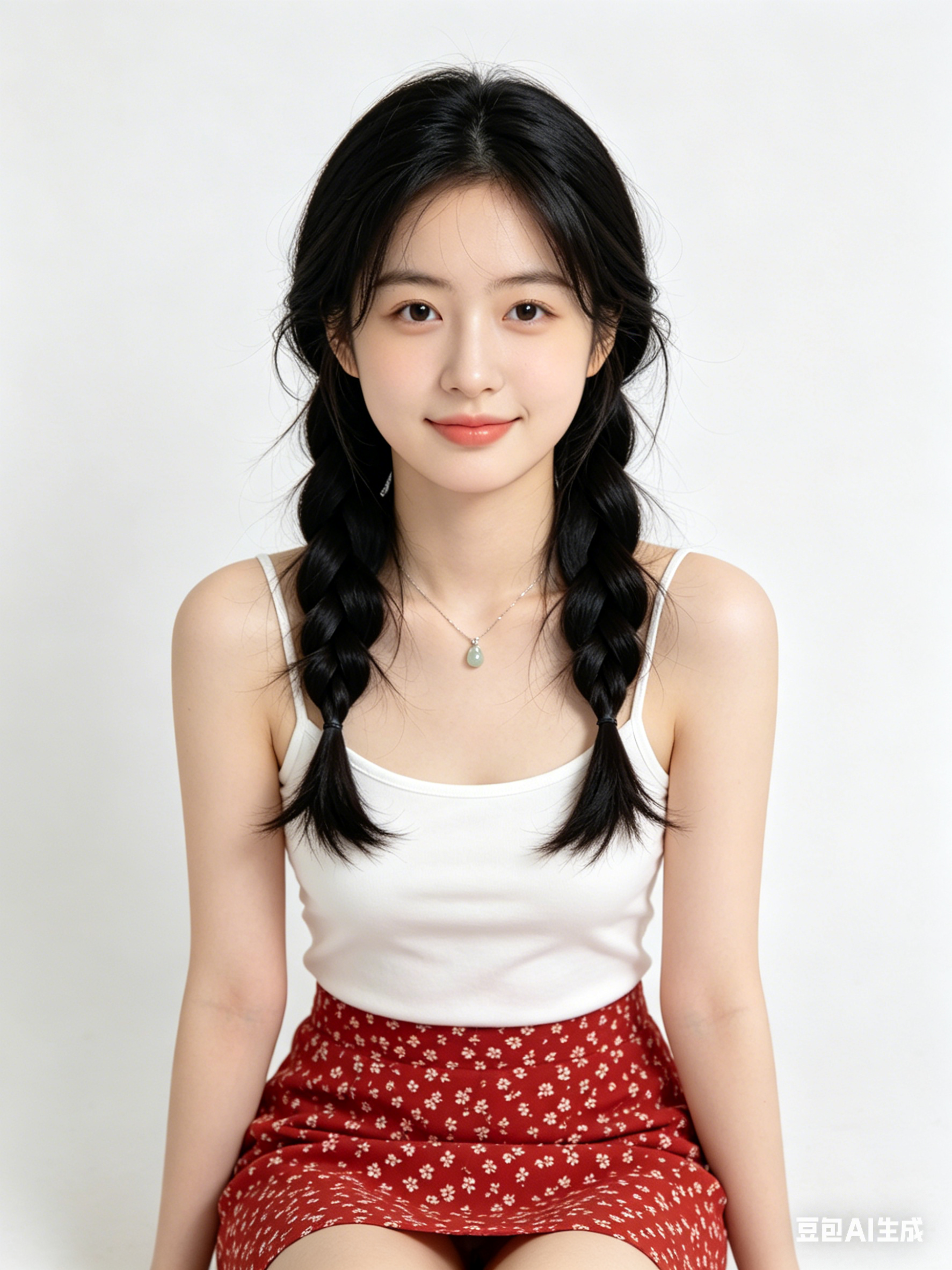
Tiles below are configurable in Admin → Workflows; empty DB fields fall back to site defaults.
Same prompt, different renderers—surface style and texture differences without guesswork.
Preset aspect for social banners, KV portrait, or print spreads—keep safe zones readable.
Layer small keyword edits for lens, light, or material while keeping identity stable.
Use Try to push the winning prompt into Workbench for crop, upscale, or video hops.
Hop to other templates to assemble a full pipeline.
Portrait cinématographique style Générer une image IA, rim light douce, texture de peau détaillée, rendu 85mm, fond épuré
Visuel produit minimaliste esthétique Générer une image IA, éclairage studio, surface réfléchissante, qualité premium
Scène de ville futuriste générée avec Générer une image IA, brouillard volumétrique, accents néon, perspective dynamique, ultra-détaillée
Générer une image IA convient à l'idéation rapide, à l'exploration de style et à la production de prompts exploitables.
Stabilisez sujet, cadrage, lumière et style, puis modifiez une seule variable à la fois.
Dans la plupart des cas oui, mais vérifiez les licences du modèle/fournisseur avant publication.
Generate in parallel across models, compare results instantly, and export watermark-free images in one click.